Emergency preparation has a strange relationship with ordinary time. On a quiet Saturday, checking the torch batteries feels deeply postponable. During a blackout, the same task becomes the most fascinating subject in the world.
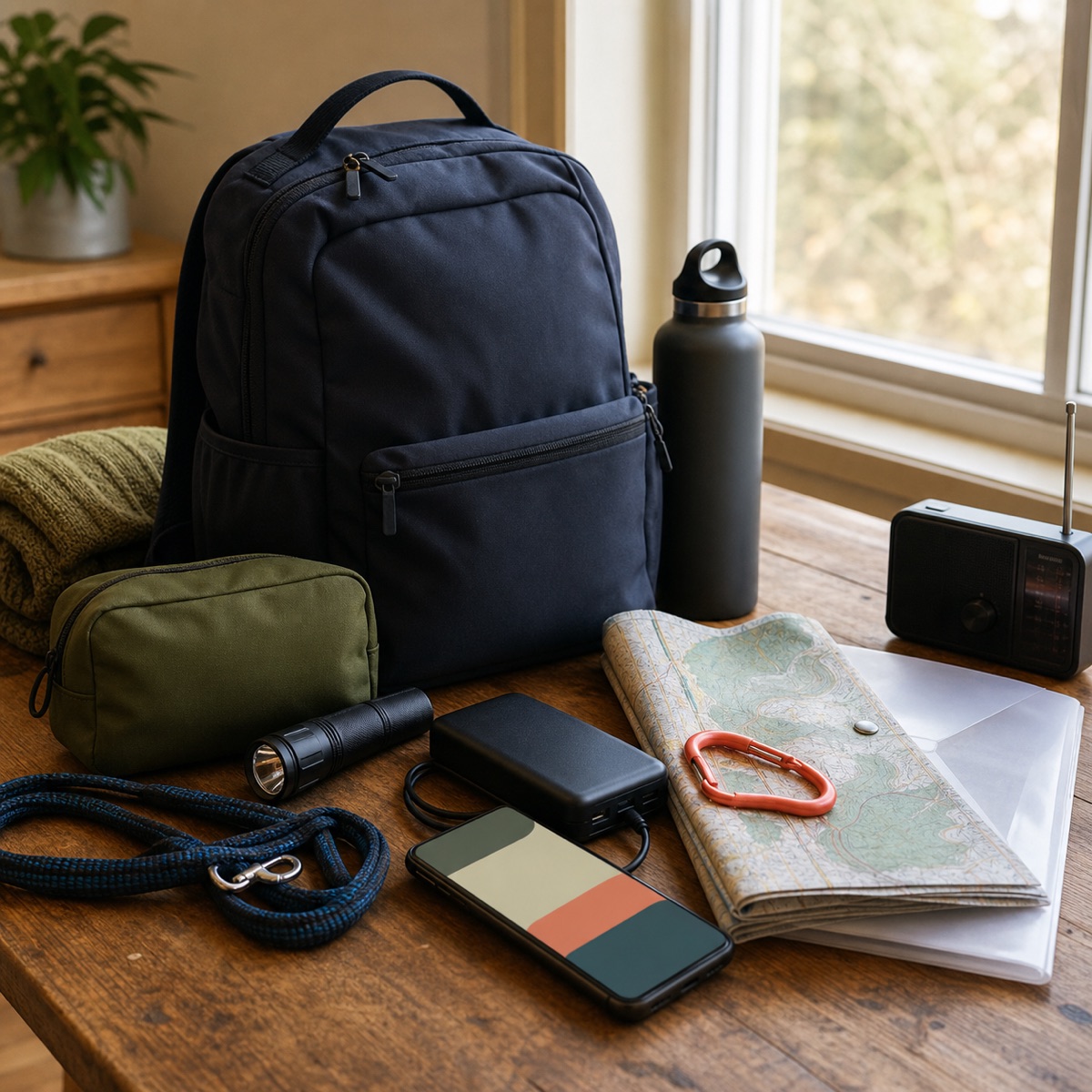
An emergency kit is physical: water, food, radio, medication, light, chargers, first-aid supplies, and whatever the people and animals in your household specifically require. Software cannot turn a Markdown file into drinking water. It can, however, help with the administrative work that makes a real kit and plan usable.
OpenClaw can organise a household checklist, build a printable contact card, index where secure document copies are stored, schedule six-month reviews, and prepare calm practice prompts. It can also help translate a sprawling official guide into tasks for your household—provided it keeps the source attached.
That last condition matters. During an actual emergency, follow local authorities, emergency services, and trusted official alerts. Do not wait for an AI agent to interpret an evacuation order, diagnose an injury, select a shelter route, or decide whether conditions are safe. The OpenClaw setup in this guide is for preparation and retrieval. It is not an emergency commander wearing a coral hat.
Begin with the plan humans will follow
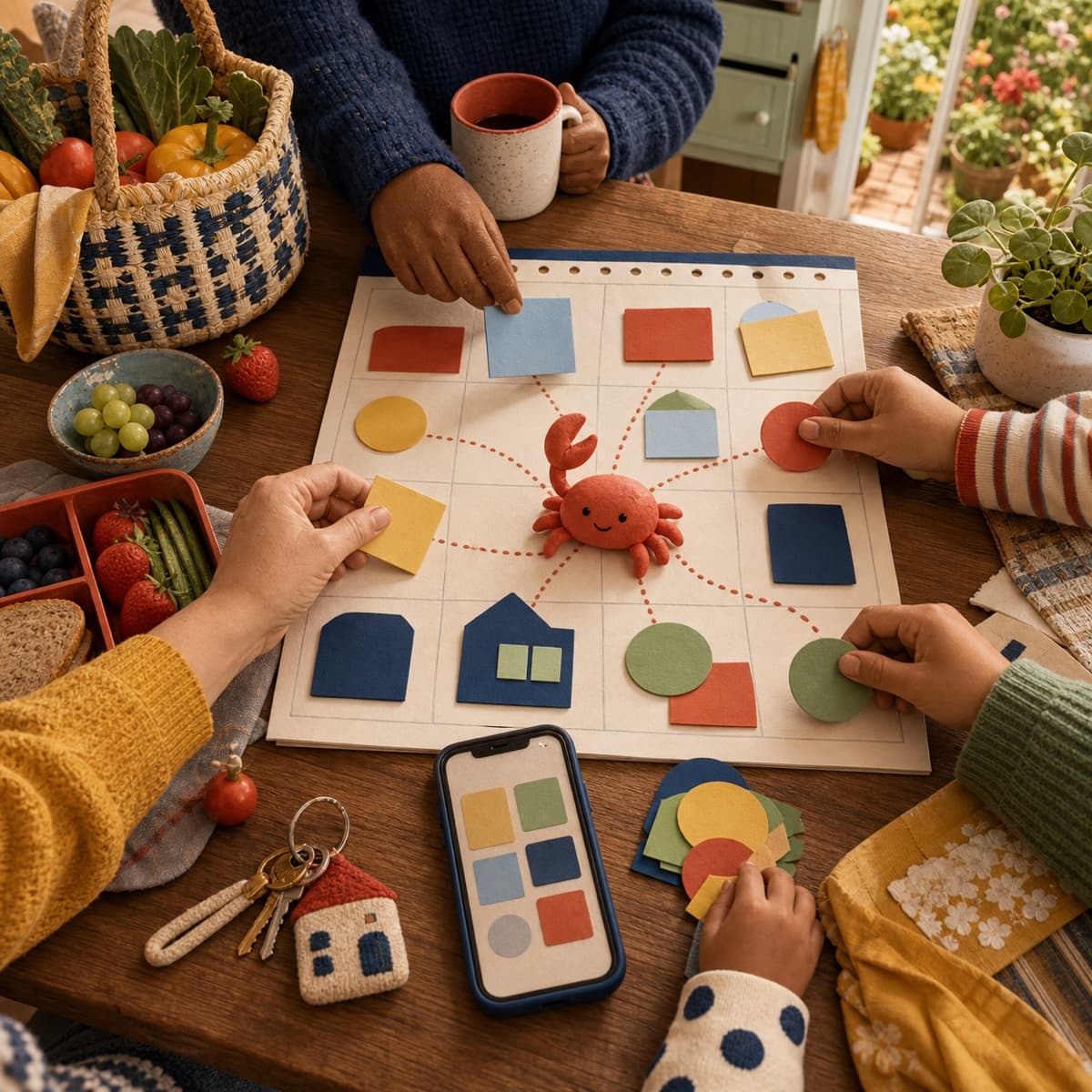
The American Red Cross recommends three broad steps: discuss the emergencies most likely where you live, assign household responsibilities, and practise the plan. Its planning guidance also stresses evacuation routes, meeting places, pets, different household needs, and offline maps.
Start there—or with the equivalent guidance from your local emergency-management authority. OpenClaw should help tailor an official framework, not invent one.
Create a dedicated workspace folder:
preparedness/
  READ-ME-FIRST.md
  household-plan.md
  contacts-print.md
  kit-checklist.md
  document-index.md
  needs-and-support.md
  drills.md
  official-sources.md
  archive/
READ-ME-FIRST.md should be short enough to read under stress:
# Household emergency plan

Official alerts come first.

- Primary meeting point: [confirmed location]
- Backup meeting point: [confirmed location]
- Out-of-area contact: [name and number]
- Physical kit location: [location]
- Paper plan location: [location]
- Assistance needed: see needs-and-support.md
- Last reviewed: [date]

OpenClaw may retrieve confirmed information.
It must not issue evacuation, medical, or safety instructions.
Do not let the agent fill blank fields by inference. “Probably the community hall” is not a meeting plan.
Build an index, not a vault full of secrets
Preparedness guidance often recommends copies of important personal, insurance, property, and medical documents. The Red Cross survival-kit list includes personal-document copies alongside physical essentials. That does not mean every document should sit in a broadly accessible agent workspace.
Use document-index.md to record what exists and where the secure copy lives:
# Document index

| Item | Secure location | Offline copy | Owner | Reviewed |
|---|---|---|---|---|
| Home insurance | encrypted vault | sealed folder | Morgan | 2026-07-25 |
| Pet registration | encrypted vault | go-bag sleeve | Lee | 2026-07-25 |
| Medication list | private medical folder | sealed envelope | owner | 2026-07-25 |
The index is useful even when the underlying files are encrypted elsewhere. OpenClaw can say, “The current insurance copy is in the encrypted vault and the sealed folder,” without reading the policy number into a group chat.
Avoid placing passwords, recovery codes, identity scans, full medical histories, bank details, or secret keys in MEMORY.md. OpenClaw's memory system uses plain Markdown in the agent workspace. That makes memory inspectable, which is a strength, but it also means you should treat the files according to the permissions of the machine and agent that can read them.
Keep the preparedness agent separate from unrelated work or shared community groups when it holds sensitive household context. If several people operate one agent, remember that OpenClaw's multi-user controls are coordination features, not confidentiality walls.
Turn the physical kit into a reviewable checklist
The official Ready.gov kit checklist is a starting point, not a universal shopping list. Needs vary by hazard, location, climate, household size, disability, medication, pets, infants, transport, and likely outage duration.
Have OpenClaw convert the official list into a household table without quietly marking anything complete:
| Category | Item | Quantity rule | Location | Expiry or test date | Owner | Status |
|---|---|---|---|---|---|---|
| Light | Torch | household-defined | go-bag | test 2026-08-01 | Lee | check |
| Power | Charged power bank | household-defined | top pocket | charge monthly | Morgan | ready |
| Documents | Paper contact card | one per person | wallet/bag | review six-monthly | Morgan | draft |
Use three honest status values:
- Ready: a person physically checked it.
- Check: it exists in the plan but needs inspection.
- Missing: a person confirmed it is absent.
Do not use “assumed ready.” That is a poetic name for “missing.”
OpenClaw can make the audit less tedious:
Read
kit-checklist.md. Produce a 15-minute inspection list grouped by where the items are stored. Do not change any status until I confirm what I physically checked.
You can then reply with a bounded update:
Confirm the two torches switched on, the radio worked, and the power bank showed full charge. The spare batteries expire in March 2027. Record today's date and leave every other row unchanged.
That is the right division of labour. The agent handles the ledger. A human handles reality.
Make the contact plan work without the internet
Ready.gov's family communication planning material recommends collecting contact information, sharing paper copies, and practising the plan. It notes that communications and power may be disrupted.
Use OpenClaw to produce a compact contacts-print.md containing only confirmed essentials:
- Household names and numbers.
- One out-of-area contact.
- Primary and backup meeting points.
- School, care, or support contacts where relevant.
- Pet arrangements.
- A brief note about communication or mobility needs.
- Local emergency numbers copied from an official source.
Then print it. Put copies in wallets, bags, and the physical kit. Save an offline copy on phones.
OpenClaw's many chat channels are useful during preparation: the agent can send a review reminder to the family organiser group or collect an explicit confirmation that a number changed. They are not a substitute for the paper plan. A home server, internet service, chat provider, and phone battery are a surprisingly elaborate chain when you only need Grandma's number.
If your household uses a group channel, require mentions and restrict who can trigger changes. Separate “show me the confirmed contact card” from “rewrite the meeting point.” The first may be read-only; the second needs an authorised adult and a visible change log.
Give every person, pet, and device a line in the plan
Generic checklists become useful when they meet specific lives.
Create needs-and-support.md with deliberately limited information:
# Needs and support

## Mobility
- Folding ramp is stored in the garage beside the kit.
- Backup transport contact is on the printed card.

## Communication
- Printed visual schedule is in the document sleeve.
- Spare hearing-aid batteries are checked monthly.

## Medication
- Current sealed list is kept in the private medical folder.
- A person checks supply and expiry; OpenClaw only reminds.

## Pets
- Carrier: laundry cupboard
- Lead and food: go-bag
- Vet and registration details: document index
OpenClaw can detect omissions and mismatches: a pet appears in the household plan but not the kit; a charger exists without the cable; the backup driver changed phone number; a device has no power plan.
It must not recommend medication changes, calculate a medical stockpile, or decide whether a person's support need is “necessary.” Those are human and professional decisions. The agent can point to the confirmed list and remind the owner to review it.
Keep language respectful and operational. “Needs assistance with stairs; Pat is the primary helper” is useful. A speculative description of somebody's diagnosis is not.
Schedule maintenance while nothing is happening
Preparedness degrades quietly. Food expires. Children change schools. Pets arrive. Batteries leak. The family member who knew the water shutoff location moves out and takes that knowledge into the mist.
OpenClaw's cron scheduler can run persistent, recurring tasks. Use it for maintenance, not alarmist monitoring.
A sensible rhythm might be:
- Monthly: charge power banks and test lights.
- Every six months: review contacts, household needs, paper copies, food, water, batteries, medication lists, and document indexes.
- Annually: practise the plan and alternate route.
- After a move, school change, new medication, new pet, or major household change: run an out-of-cycle review.
The scheduled instruction should produce a checklist, not silently update facts:
## Six-month preparedness review

Read the files in preparedness/.
Create a review checklist based on rows due or overdue.
Include the official source URL for any recommended addition.
Do not mark physical items ready.
Do not change contacts, medical information, routes, or meeting points.
Deliver to the private household organiser chat.
Keep the task quiet when nothing is due. Preparedness reminders should feel like changing smoke-alarm batteries, not receiving a trailer for the end of civilisation.
After each human review, append a dated note to drills.md:
## 2026-07-25 review

- Contact cards reprinted.
- Power banks charged.
- Alternate route still accessible during normal conditions.
- Pet food rotation moved to monthly shopping list.
- Open question: confirm school reunification procedure from official source.
This is better than relying on a conversational memory of what was checked.
Use the agent for drills, never for theatre
A good practice exercise is calm, bounded, and announced in advance.
Ask OpenClaw to prepare a 20-minute tabletop drill:
Using our confirmed household plan, create a discussion exercise for a two-hour power outage that begins at 7 p.m. Include five questions about communication, light, device charging, pets, and checking official information. Do not simulate emergency messages, contact anyone, or introduce medical events.
For a second drill, change one condition: a household member is away, the main meeting point is unavailable, or mobile data is down. The purpose is to find missing decisions, not to see whether the agent can write a disaster movie.
Afterward, ask for:
- What worked.
- Which facts were missing.
- Which physical items were not where the plan said.
- Which decisions need an owner.
- Which files need updating.
Never send fake evacuation notices or imitation authority alerts through a real household channel. People must be able to distinguish practice from live information instantly.
Switch OpenClaw to retrieval mode when a real alert arrives
Preparation mode is creative: compare, organise, draft, question.
Real-event mode should be much narrower:
- Read official alerts directly.
- Follow emergency-service instructions.
- Use the paper and offline plan.
- Use OpenClaw only to retrieve confirmed household information or draft a message for human approval.
- Stop background jobs that create noise.
A safe real-event request sounds like:
From
READ-ME-FIRST.md, show the confirmed physical kit location, meeting points, out-of-area contact, and the date each was last reviewed. Do not add advice or infer missing details.
An unsafe request sounds like:
Look at everything online and decide whether we should evacuate.
OpenClaw's web and browser tools can find current information, but an AI summary can be delayed, incomplete, or wrong. It should never sit between you and an official warning.
For injuries, medication, hazardous materials, fire, floodwater, structural damage, or other immediate danger, contact the relevant emergency or professional service. The agent is not a dispatcher, clinician, firefighter, engineer, or meteorologist.
A thirty-minute setup that is worth doing
You do not need to finish the whole system today.
In the first half-hour:
- Create the preparedness folder.
- Copy the headings from an official household plan.
- Confirm one primary and one backup meeting point.
- Confirm an out-of-area contact.
- Record where the physical kit and paper plan live.
- Build the document index without uploading sensitive documents.
- Schedule a private review reminder for one month from now.
- Print the first contact card.
Then stop. Walk to the physical kit. Test one torch.
The most useful OpenClaw preparedness workflow is not the most autonomous. It is the one that steadily closes the gap between “we should sort that out” and “we checked it, printed it, and know where it is.”
If the power goes out tonight, your agent may be unavailable. That is not a failure of the system. The system succeeded earlier, when it helped you make a plan that still works in the dark.
Sources and further reading
- Ready.gov: build an emergency kit
- Ready.gov family emergency communication plan
- American Red Cross: make a disaster plan
- American Red Cross: survival kit supplies
- OpenClaw memory overview
- OpenClaw chat channels
- OpenClaw scheduled tasks
- OpenClaw groups and allowlists
Research checked against official OpenClaw, Ready.gov, and American Red Cross guidance on July 25, 2026. Emergency guidance is location-specific and can change; follow current instructions from your local authorities and emergency services.