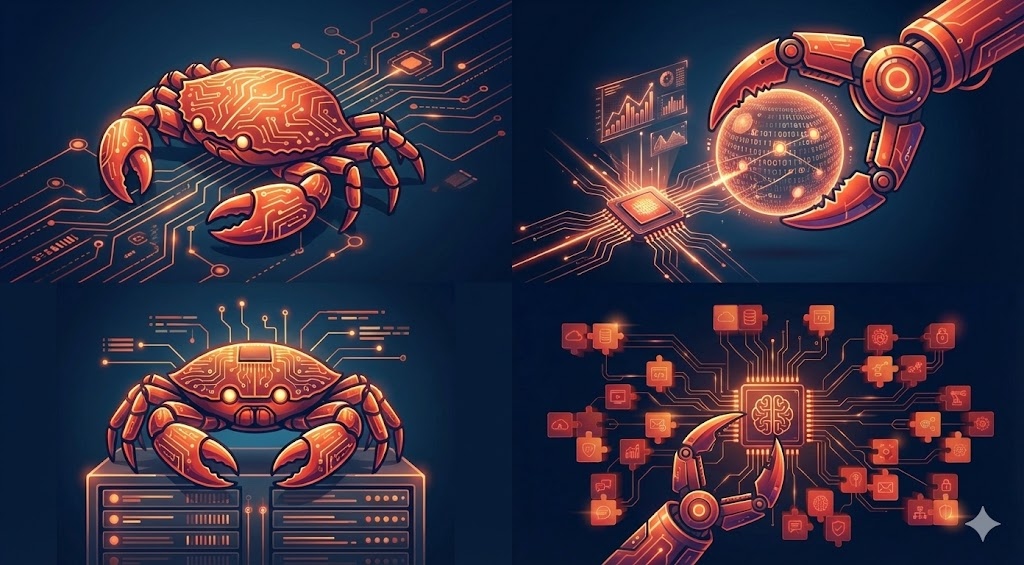
OpenClaw is best understood as an AI operator runtime, not just a chatbot.
You message it from channels you already use, and it can actually execute work: run tools, schedule jobs, gather data, draft outputs, and report back.
That “from conversation to execution” jump is why so many users describe it as a different category from standard chat assistants.
The Short History (Why the Naming Matters Less Than the Direction)
OpenClaw moved through earlier names during its early growth phase before settling into the current brand. The specific naming timeline matters less than what stayed consistent:
- local-first execution
- user ownership and control
- extensibility through tools/skills
- high shipping velocity from an active community
In other words, the mission stayed stable while the project identity matured.
What Makes OpenClaw Different from a Typical LLM Chat App?
Traditional LLM chat tools are strong at text generation.
OpenClaw is designed to be strong at operational follow-through.
Core difference
- Chat app: “Here’s what you should do.”
- OpenClaw: “I did it. Here’s the result.”
That operational posture changes how individuals and teams work with AI.
Core Capabilities
1) Tool-driven execution
OpenClaw can use tools for file operations, terminal tasks, web access, browser actions, messaging, scheduling, and more.
2) Scheduled automation
With cron and heartbeat patterns, OpenClaw can run tasks at exact times or periodic intervals.
3) Session architecture
It can keep strategic context in a main session while offloading noisy/long work into isolated runs.
4) Sub-agent delegation
Larger tasks can be delegated to sub-agents, which return summarized outcomes.
5) Channel-first operation
You can interact through familiar interfaces (e.g., Telegram/Discord/others), which lowers operational friction.
Why Local-First Matters
Local-first doesn’t mean “no cloud ever.” It means your control plane and execution environment are yours.
Benefits include:
- better control over context and files
- stronger privacy posture options
- less dependence on a single hosted assistant UX
- more flexibility for custom workflows
For teams handling sensitive internal operations, this is often a decisive advantage.
How People Actually Use It
Practical, common use cases include:
- morning briefings (weather/markets/news)
- inbox/calendar awareness checks
- research-to-report pipelines
- code changes on branch with PR-only policy
- recurring weekly executive summaries
- monitoring and operational status updates
The key pattern: repeatable workflows, not one-off prompt experiments.
OpenClaw as an “Execution Layer”
A useful mental model:
- LLM = reasoning engine
- OpenClaw = execution/orchestration layer
When these two are combined well, you get a system that can reason and act with structure.
Safety and Control Model
Because OpenClaw can act, control boundaries matter.
Strong setups usually include:
- least-privilege tool policies
- explicit approval gates for external side effects
- scoped file access
- regular quality/reliability review for automations
This is how you keep speed without creating hidden risk.
What OpenClaw Is Not
It is not a magic replacement for process discipline.
If tasks are ambiguous and ownership is unclear, automation will reflect that ambiguity. The biggest wins come when teams define clear outcomes, formats, and guardrails.
Getting Started (Practical Path)
If you’re new, start simple:
- Set up one daily scheduled briefing.
- Add one heartbeat check (calendar/inbox awareness).
- Add one practical workflow tied to your real work (e.g., content drafting or weekly reporting).
Run that for a week before adding complexity.
Final Takeaway
OpenClaw is part of a broader shift from “AI as chat interface” to “AI as operational teammate.”
Its value is not in novelty prompts. Its value is in reliable, structured execution loops that save real time and improve decision quality.
If you treat it like an execution system—with roles, guardrails, and review rhythms—it can become one of the highest-leverage tools in your stack.